Lights, plugs, cameras, the alarm, the solar panels and the battery. Orbit puts every switch and every reading in one place, and keeps watch when you can’t.
The bedroom fan, the water heater, the freezer, the main breaker. Switch any of them from the sofa or from another city, and see what each one is costing you.
Try itAn example home on battery
Standing fan60 W
Freezer150 W
Air conditioner1,100 W
The battery lasts about6 h 40 min
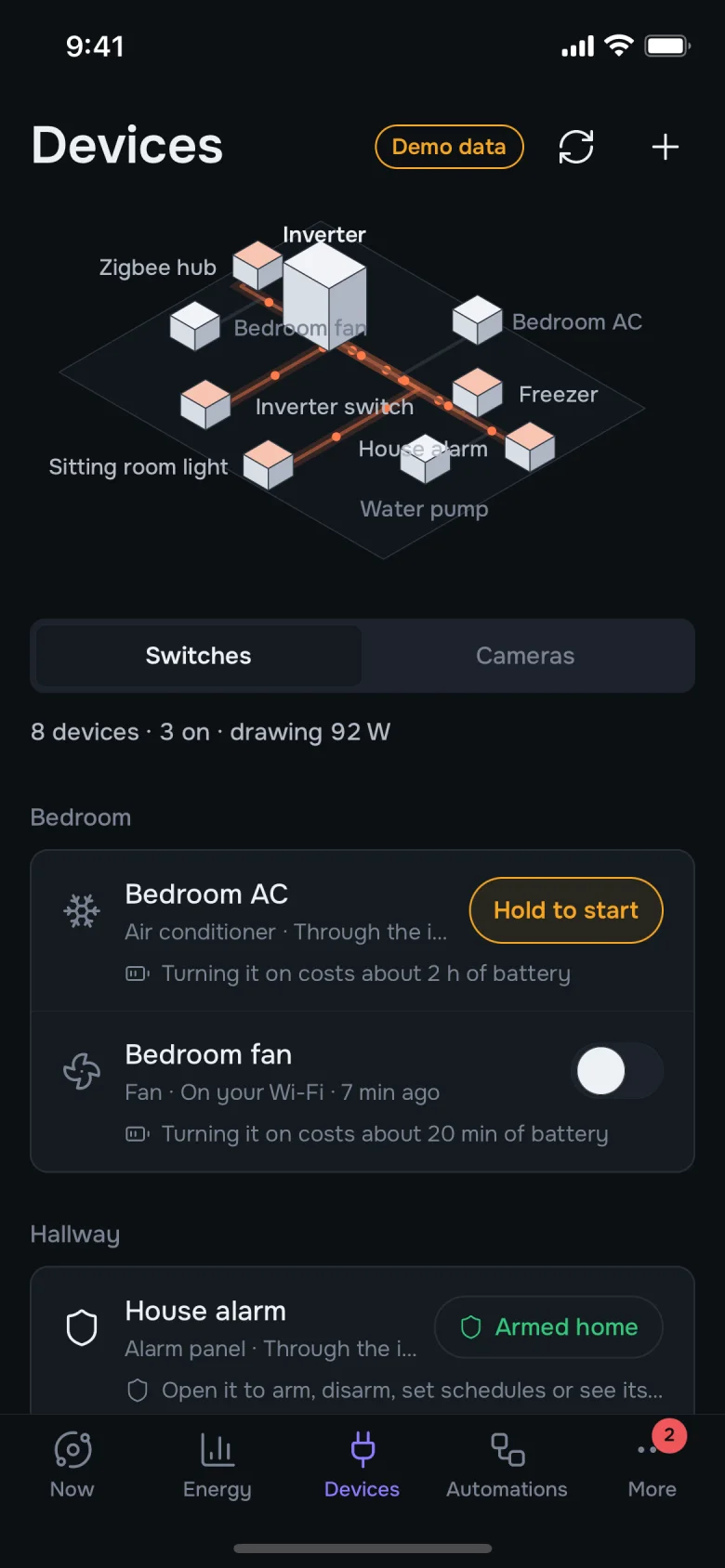
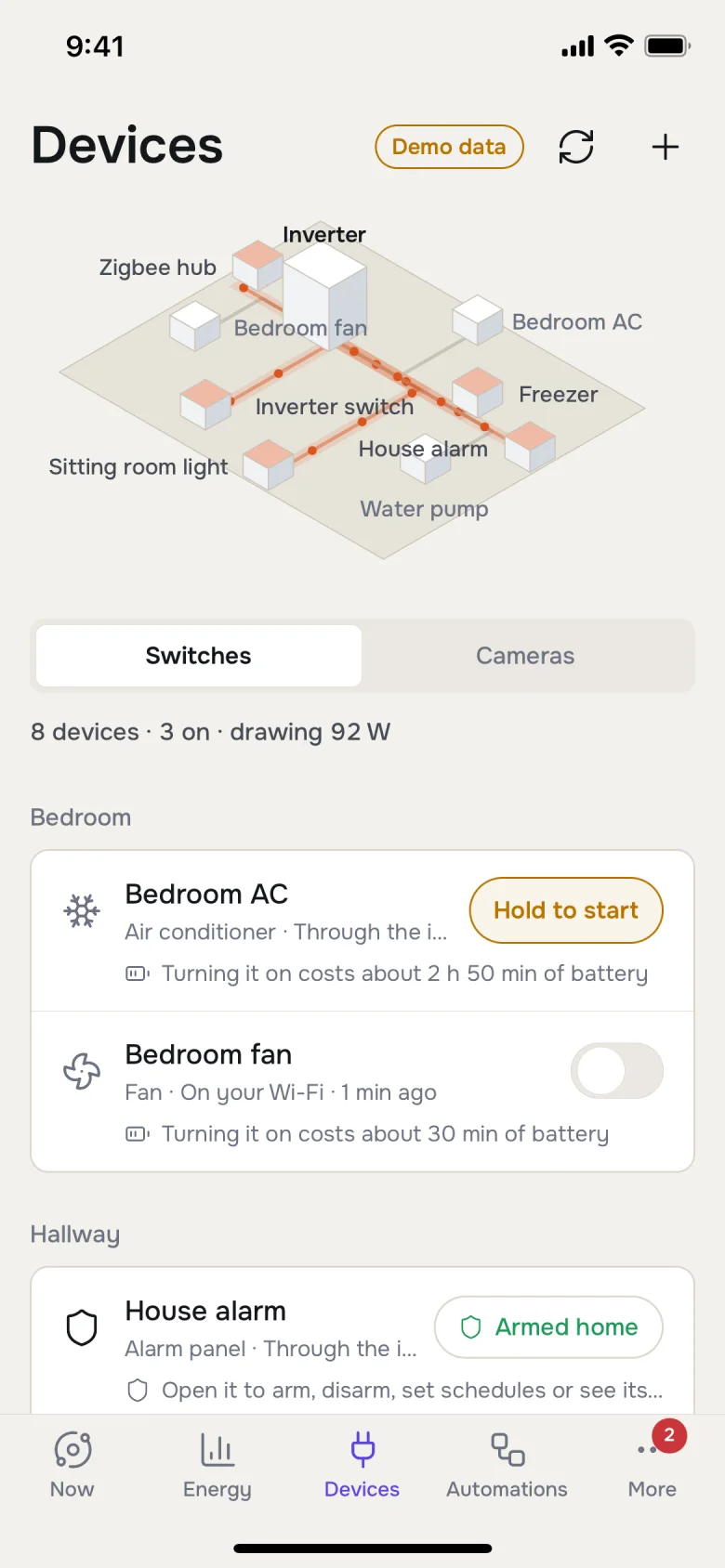
See what is on and what each thing is drawing, room by room.
Know the cost first. Before you start the air conditioner, Orbit tells you how much battery time it will take.
Hold to switch on anything that matters, so a pocket never trips a breaker.
17:30
Automations: tell it once.
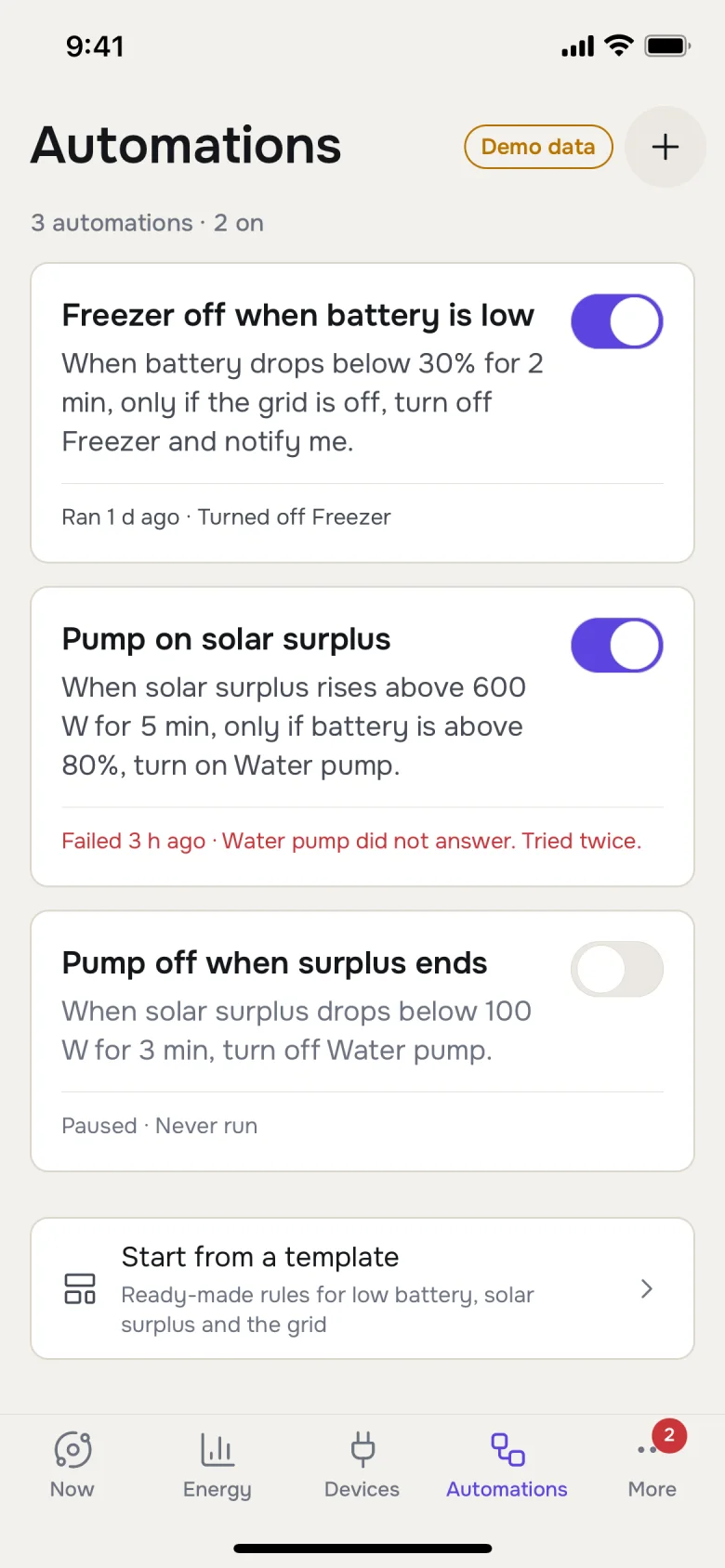
Write a rule the way you would say it. Orbit runs it from then on, and keeps a record of every time it did.
When the battery drops below 30%, turn off the freezer and tell me.
When there is more sun than we need, run the water pump.
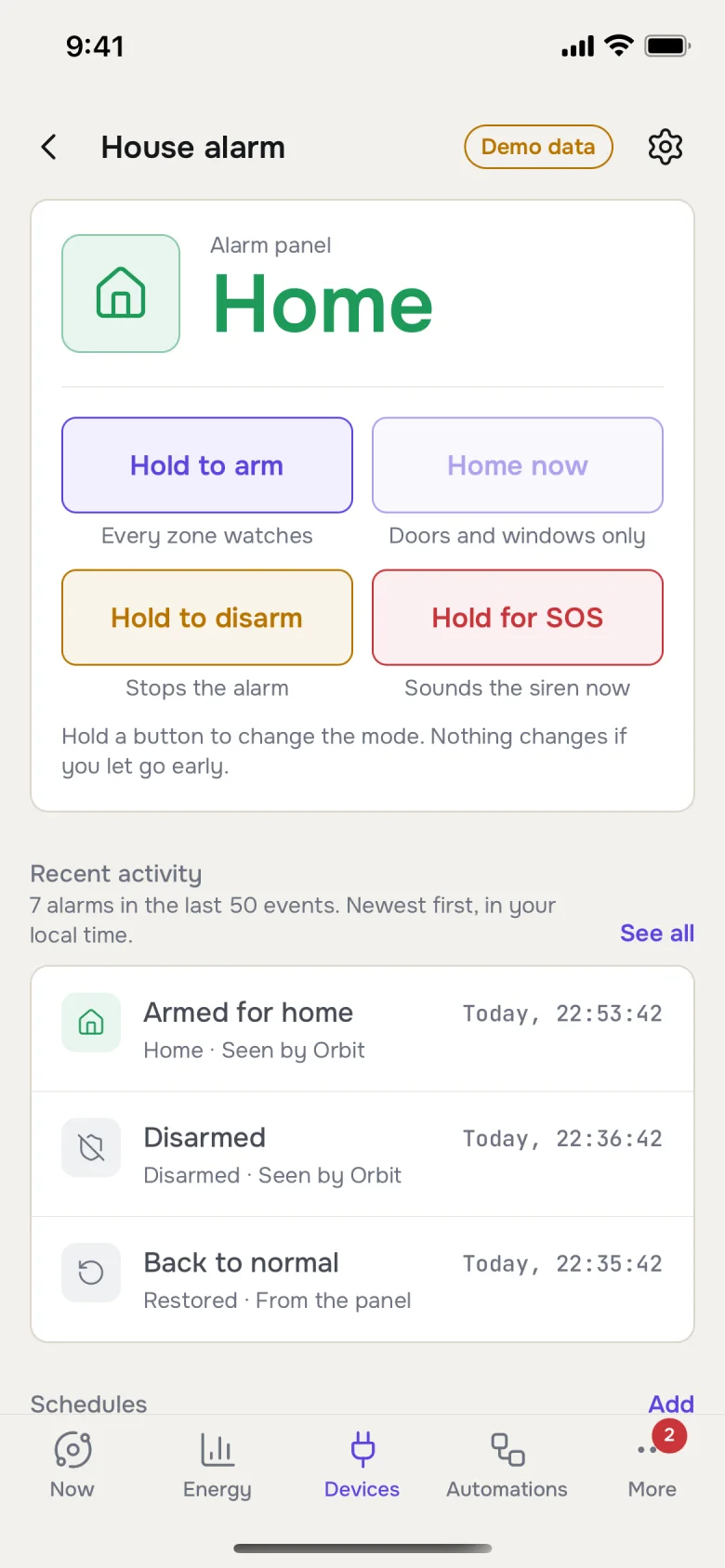
At 11pm, arm the alarm. At 7:30, disarm it.
19:26
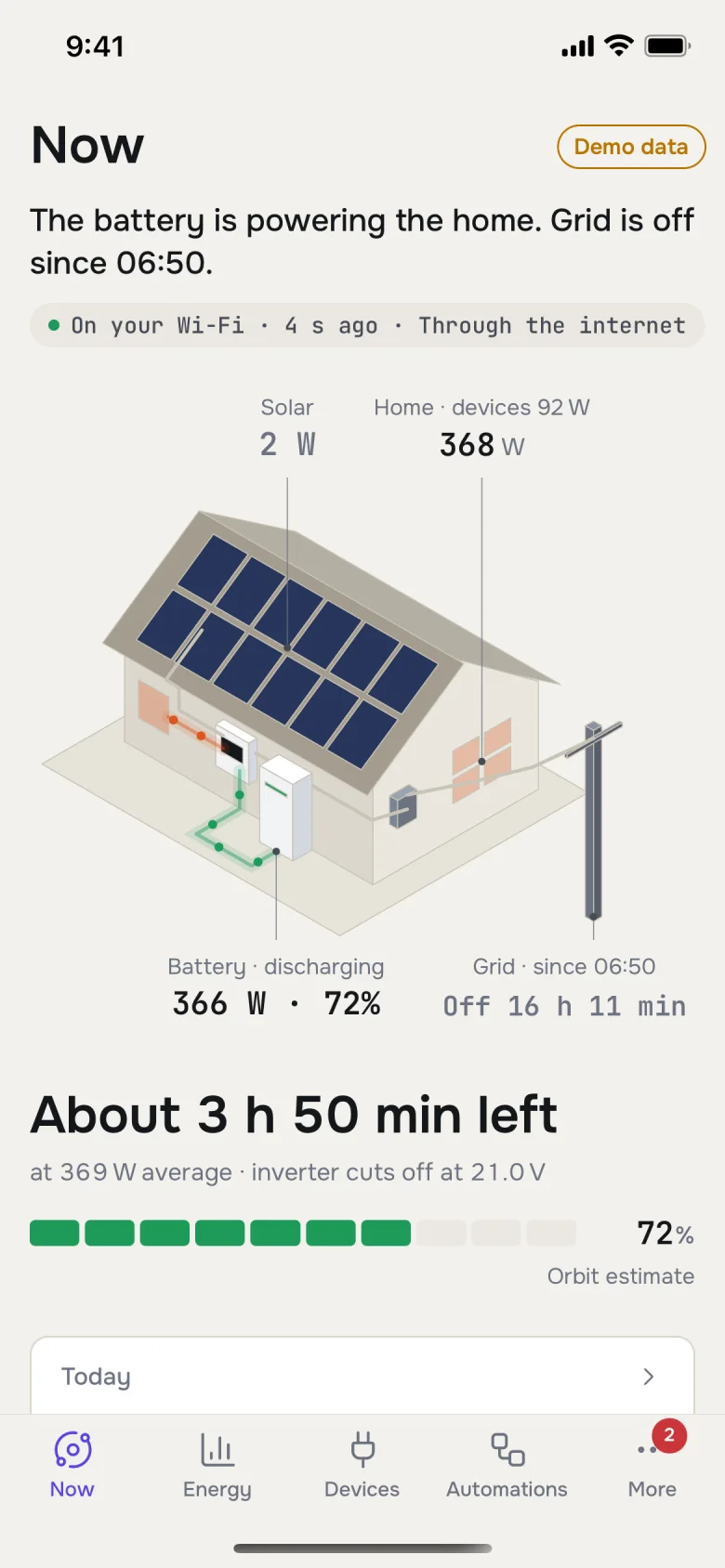
The power just went out.
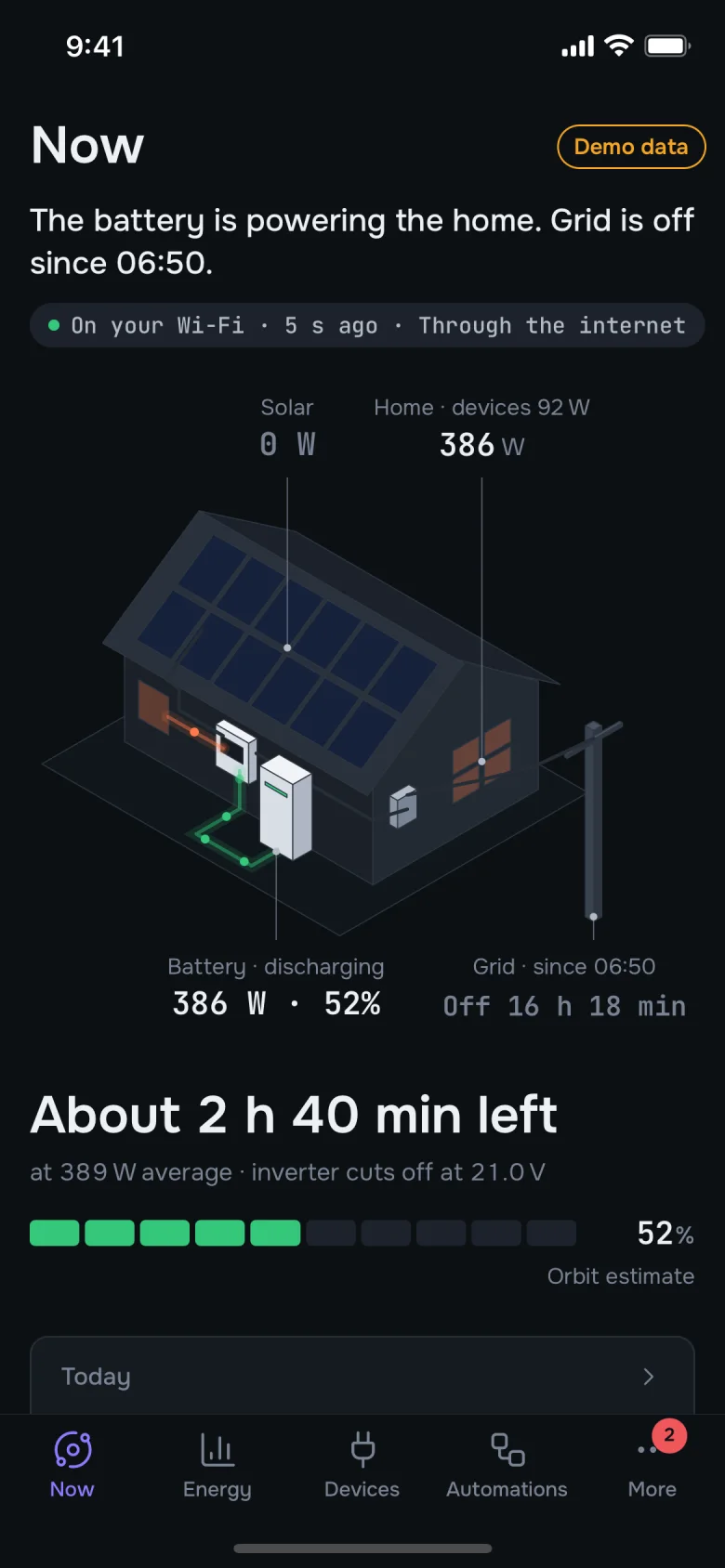
The lights stayed on. Orbit saw the grid drop, knows the house is on battery, and can tell you how long that battery will carry what is running right now.
About 2 h 40 min left
at 389 W average · 52% left
Turn something off and the number grows. When the grid comes back, you hear about it first.
02:14
The kitchen window opens.
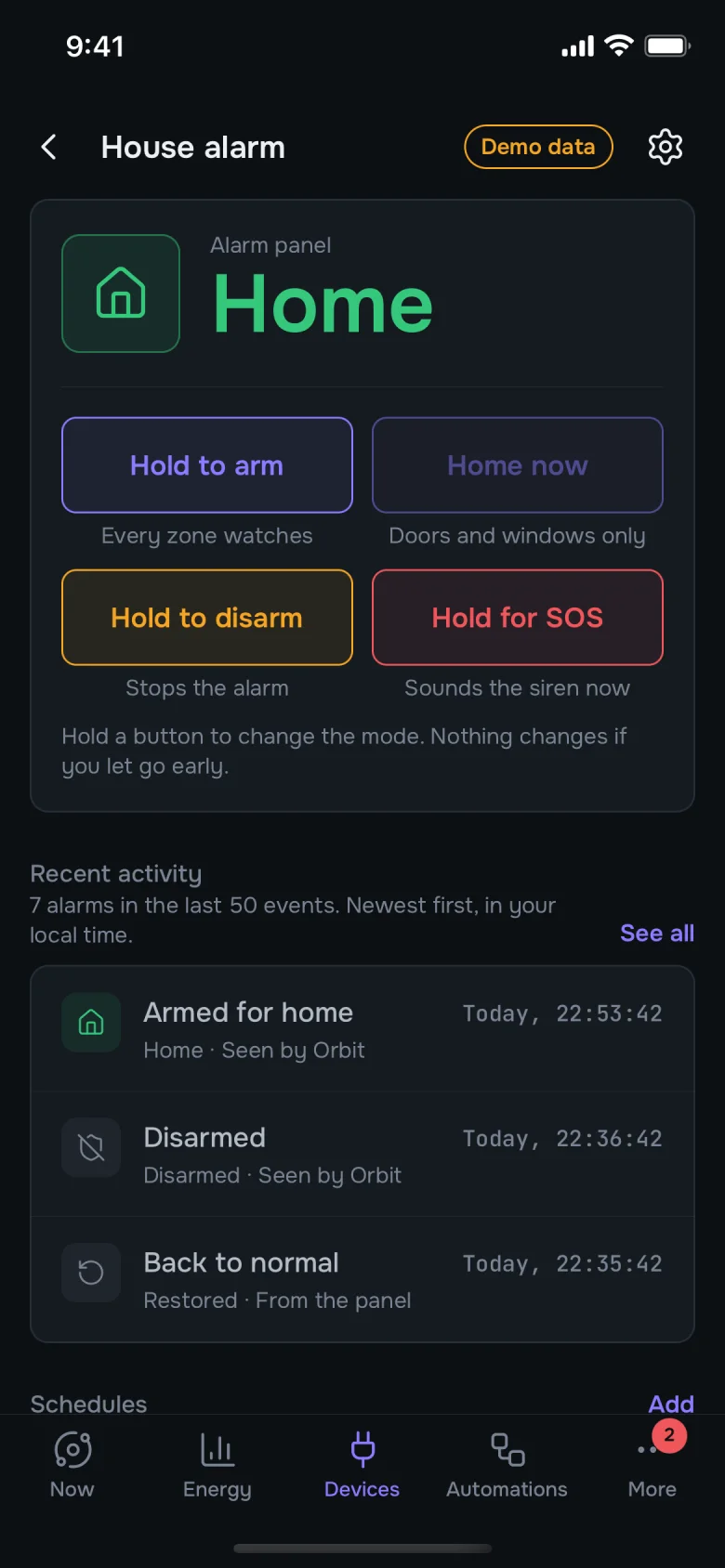
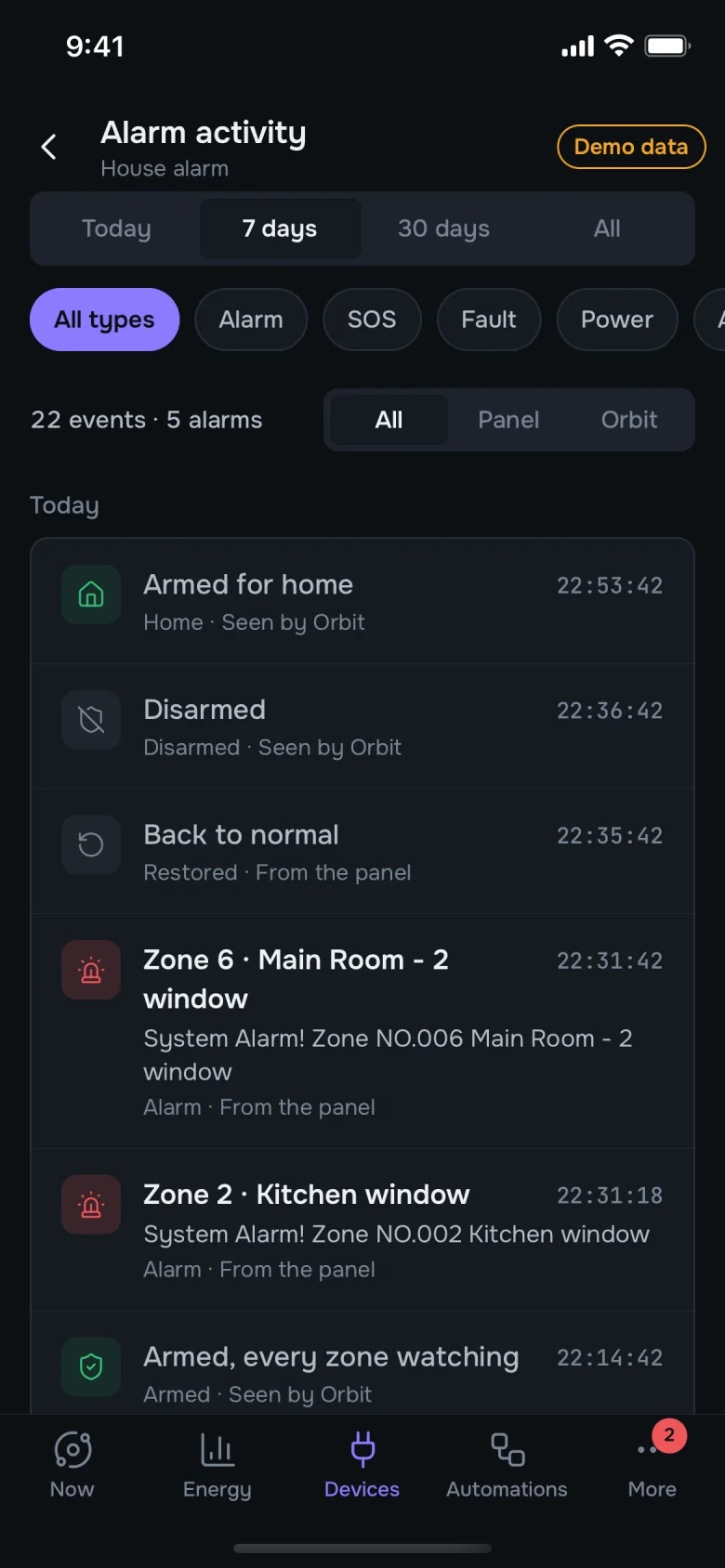
You don’t hunt for the right app at two in the morning. The alert tells you which window, and the buttons are already on it.
House alarm triggered
Zone 2 · Kitchen window
Silence sirenDisarm
Siren silenced. Alert acknowledged.
And everything else under your roof.
Cameras
Every camera on one wall. Check the gate without opening another app.
Sensors
Doors, motion, smoke and leaks. Each one can raise an alert, as loud as it deserves.
Computers
Lock, sleep or shut down a computer at home from wherever you are.
Family
Invite the people you live with. Choose what each of them can see and switch.
Now
Devices
Alarm
Alarm, by day
Devices, by day
07:30
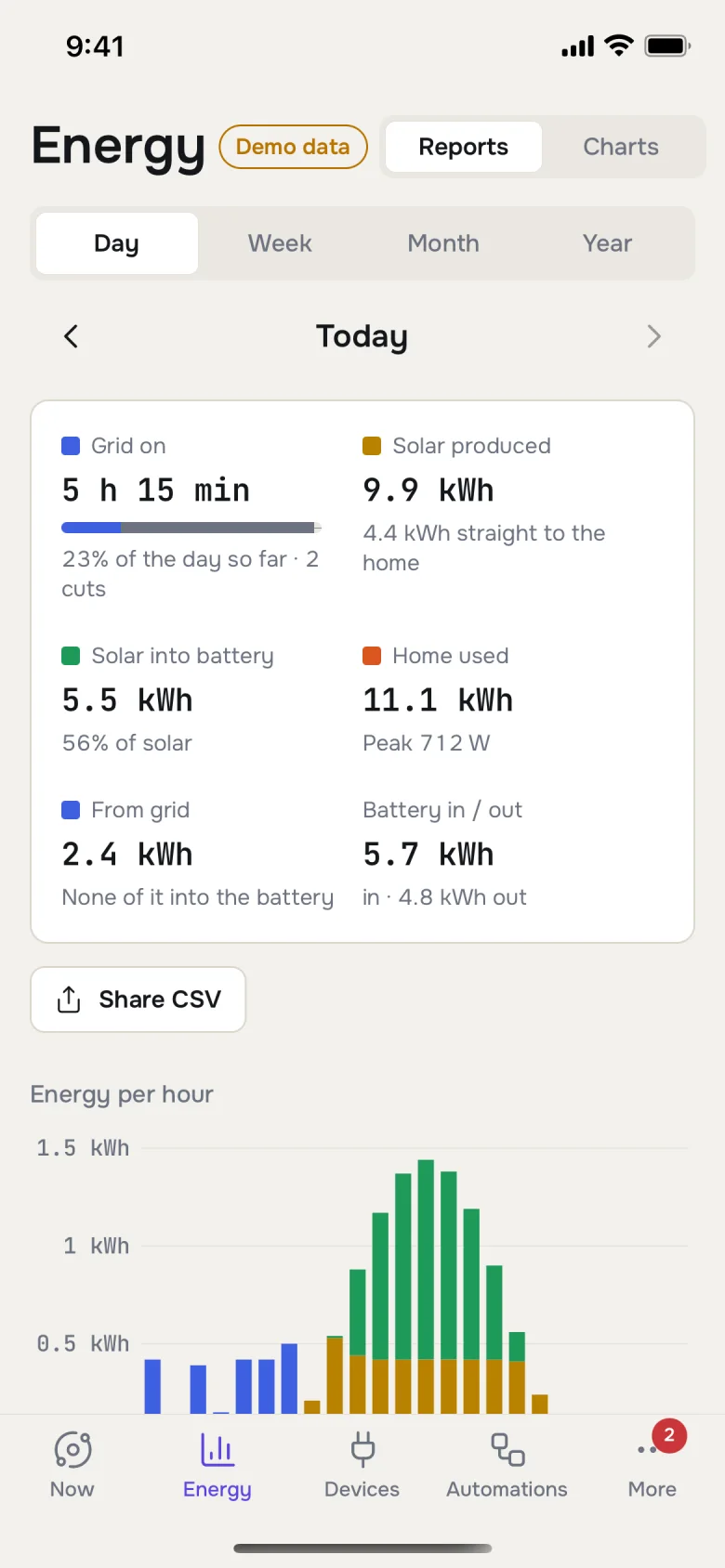
Yesterday, in plain numbers.
What the sun gave you, what the house used, and how long the grid was really on. By day, week, month or year, with a spreadsheet when you want one.
9.9kWhfrom the sun
11.1kWhused by the home
2.4kWhfrom the grid
Home or away, it’s the same app.
At home, Orbit talks to your devices over your own Wi-Fi, so a switch feels instant. Away, it reaches them over the internet. Only the people you invite get in.
Two-step sign-in
Access per person
Works on your Wi-Fi
Works from anywhere
Not sure what to buy?
Tell us what you want your home to do. We send back a short shopping list of the right plugs, switches, sensors and cameras for it, checked to work with Orbit, so you buy once and it all fits.
A reply within one working day.
A small one-off fee, quoted before you pay anything.
 House alarm triggered